 JapanRetroGameClub
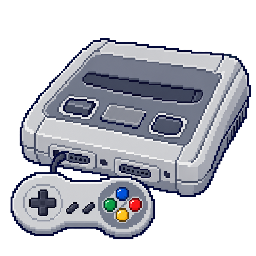
Barcode Butler: A Super Warrior!
Press twice before determining the number of people to specify the battlefield
Choose a mode and play with it? Proceed to the screen. Before deciding on the number of people, press L twice and press A to confirm, then enter the character card and it will become a land field. If you press R twice, it becomes the ocean, and if you press X twice, it becomes space.
Listen to the sound through the connection interface box
Connect Barcode Battler II to the 2P side and decide on the settings in BB2 Battle mode selection. If you read the barcode on the outer box of the interface on the barcode input screen, it will switch to the sound test.
Switch the appearance of troops to two types
Input a 1P character card in battle mode or original mode. Next, press Y → Y → A → A and input the 2P card, and the character display will change to the squad leader.
If you want to display regular soldiers, use Y → Y → B → B. The ability values of both remain the same.